
Choosing the right laptop is one of the most important decisions for students. A laptop is not just a device; it is a tool that helps with studying, writing assignments, attending online classes, and even entertainment. In 2026, technology has advanced a lot, and students have many options to choose from. This guide will help you understand what to look for in a laptop and show the best laptops for students this year.

👉🏻Why Students Need a Good Laptop
Students need laptops for various reasons:
Online Classes: Many courses now are online. A good laptop ensures smooth video classes.
Assignments and Projects: Writing essays, creating presentations, and doing research require a reliable laptop.
Coding and Programming: For computer science students, laptops need to handle software development.
Entertainment: Watching movies, listening to music, or casual gaming.
Portability: Students move between home, college, and libraries, so light laptops are better.
A laptop that is slow or heavy can cause stress. Therefore, choosing the right laptop is very important.
👉🏻Important Features to Look for in a Student Laptop
When buying a laptop, students should consider these features:
⭐Performance (Processor and RAM)
Processor (CPU): Look for Intel i5/i7 or AMD Ryzen 5/7 processors. These are fast and handle multitasking well.
RAM: At least 8GB of RAM is recommended. For heavy programs or gaming, 16GB is better.
⭐Storage
SSD vs HDD: SSDs are faster and more reliable than HDDs. A 256GB or 512GB SSD is enough for most students.
Cloud Storage: Using Google Drive or OneDrive can help save extra files.
⭐Display
Size: 13–15 inches is ideal for students. Large screens are comfortable, small screens are portable.
Resolution: Full HD (1920×1080) is recommended for clear visuals.
⭐Battery Life
Students often use laptops in libraries or cafes. Battery life should be at least 6–8 hours. Long-lasting batteries reduce the need to carry chargers.
⭐Portability
Weight matters. A laptop under 1.5–2 kg is easy to carry. Thin laptops are more convenient.
⭐Keyboard and Touchpad
A comfortable keyboard is important for long typing sessions. Backlit keyboards help in low-light environments.
⭐Operating System
Windows: Compatible with most software and games.
MacOS: Great for creativity and design students.
ChromeOS: Lightweight, suitable for browsing and online work
👉🏻Best Laptops for Students in 2026
Here are some of the best laptops suitable for students this year:
⭐Dell XPS 13
Why it’s good: Lightweight, premium build, long battery life.
Specs: Intel i7, 16GB RAM, 512GB SSD, 13.4-inch Full HD display.
Best for: General use, programming, and multimedia students.
👉🏻Apple MacBook Air M2
Why it’s good: Super fast performance, excellent battery, sleek design.
Specs: Apple M2 chip, 8GB/16GB RAM, 256GB/512GB SSD, 13.6-inch Retina display.
Best for: Design, video editing, and MacOS fans.
⭐Lenovo IdeaPad 5
Why it’s good: Affordable, good performance, durable.
Specs: AMD Ryzen 5, 8GB RAM, 512GB SSD, 14-inch Full HD display.
Best for: Students on a budget, everyday use, and study purposes.
3.4 HP Pavilion 15
Why it’s good: Balanced laptop, good for multitasking and entertainment.
Specs: Intel i5, 16GB RAM, 512GB SSD, 15.6-inch Full HD display.
Best for: Students needing larger screens and better performance.
⭐ASUS ZenBook 14
Specs: Intel i7/Ryzen 7, 16GB RAM, 512GB SSD, 14-inch Full HD display.
Best for: Students who travel often and need portability with performance.
⭐Acer Swift 3
Why it’s good: Lightweight, affordable, great battery life.
Specs: AMD Ryzen 5, 8GB RAM, 512GB SSD, 14-inch display.
Best for: Budget-friendly option for college students.
Why it’s good: Slim, portable, long battery life, powerful CPU.
👉🏻How to Choose the Right Laptop for Your Field
Different fields need different laptops:
Engineering/Programming Students: Need laptops with strong CPUs, good RAM, and SSD.
Design/Graphics Students: MacBook Air or laptops with good display and GPU.
Business/Management Students: Lightweight laptops with long battery life are ideal.
General Students: Affordable laptops like Lenovo IdeaPad or Acer Swift 3 are sufficient.
👉🏻Tips for Students Before Buying a Laptop
Set a Budget: Decide how much you can spend. Laptops range from $400–$1500+ for students.
Check Warranty: At least 1-year warranty is recommended.
Look for Student Discounts: Brands like Dell, HP, and Apple offer student pricing.
Read Reviews: Check reviews on YouTube or tech websites.
Try Before Buying: If possible, visit a store to feel the keyboard and screen.
⭐Accessories
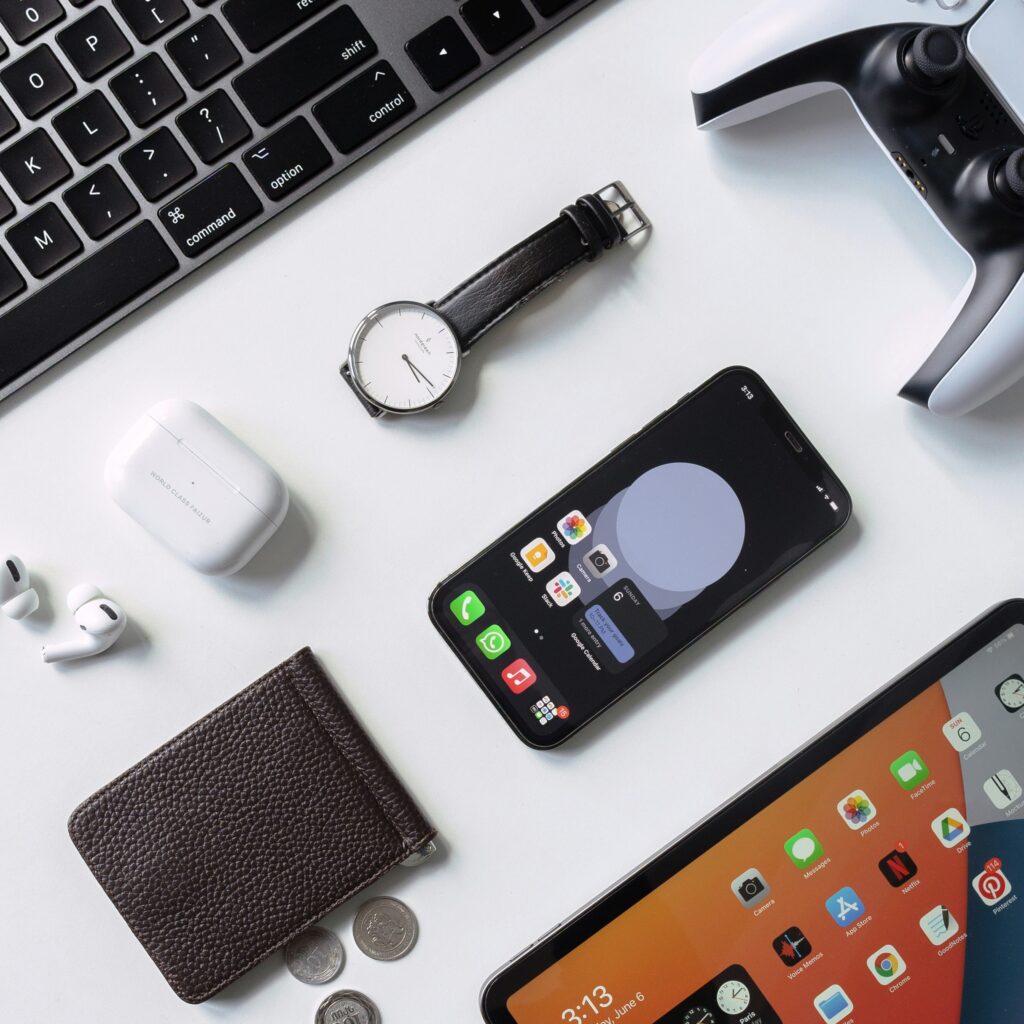
That Make Laptops Better for Students
Laptop Sleeve or Backpack: Protects your laptop.
External Hard Drive: For extra storage.
Mouse: More comfortable for long hours than touchpad.
Headphones: Useful for online classes and focus.
👉🏻Conclusion
In 2026, students have many laptop options. Choosing the right laptop depends on your field, budget, and personal preference. Whether it is a MacBook for creativity, a Dell XPS for performance, or an Acer Swift 3 for affordability, there is a laptop for everyone. Focus on performance, portability, battery life, and display when making your decision. With the right laptop, students can study efficiently, enjoy entertainment, and have a reliable tool for their daily tasks.
Pingback: How to Speed Up Your WordPress Website (Complete Beginner Guide) - techwithchello.com
Pingback: Latest Tech News: 2025 Complete Update for Beginners - techwithchello.com